 logo
logo

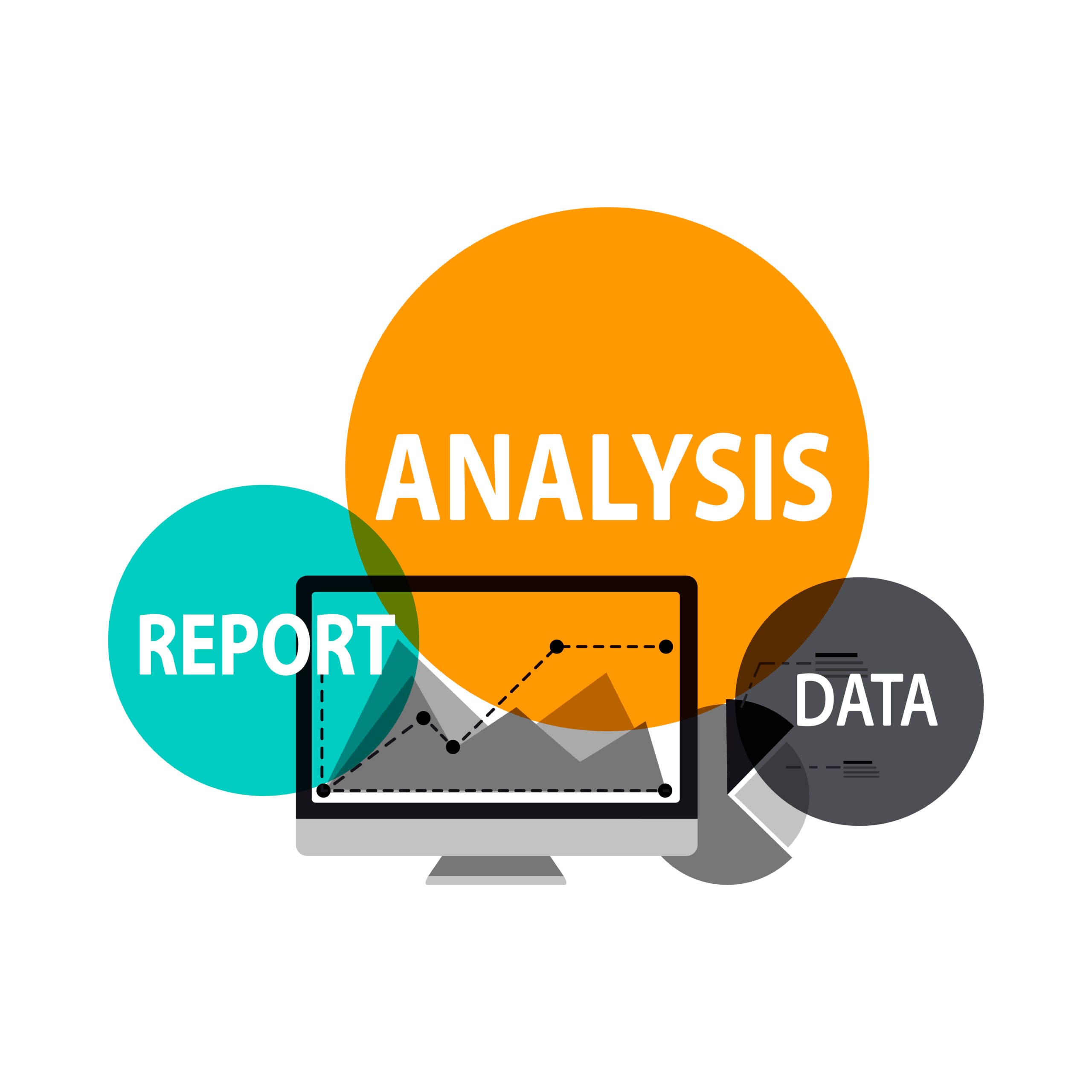
Python is useful in data analysis because it gives analysts more control over repeatable data work. It can read and transform files, connect to databases, automate recurring steps, run statistical analysis, create visualizations, and support predicPython for data analysis gives analysts more control over repeatable data work. It can read and transform files, connect to databases, automate recurring steps, run statistical analysis, create visualizations, and support predictive models when the business question requires them.tive models when the business question requires them.
That does not mean every analyst needs Python for every task. Excel may be faster for a small one-off analysis, SQL is usually the right tool for querying relational databases, and Power BI is That does not mean every analyst needs Python for data analysis in every task. Excel may be faster for a small one-off analysis, SQL is usually the right tool for querying relational databases, and Power BI is designed for governed dashboards and business reporting. Python becomes especially valuable when the workflow needs to be automated, reproduced, extended with code, or applied to data that is awkward to manage manually.designed for governed dashboards and business reporting. Python becomes especially valuable when the workflow needs to be automated, reproduced, extended with code, or applied to data that is awkward to manage manually.

Why Use Python for Data Analysis?
Using Python for data analysis gives analysts a practical bridge between general programming and analytical work. Python is readable enough for analysts to learn without becoming software engineers, while its ecosystem covers data preparation, statistics, visualization, machine learning, automation, and integration with other systems.
- Repeatable analysis: Instead of rebuilding the same steps manually each month, analysts can write a script or notebook that follows the same transformation and calculation logic every time.
- Flexible data preparation: Python can combine files, standardize fields, reshape tables, parse text and dates, and apply custom rules that are difficult to maintain in manual workflows.
- Statistical and numerical analysis: Libraries provide functions for descriptive statistics, numerical operations, experiments, and other analytical methods.
- Visualization: Python can generate exploratory charts during analysis and more controlled visuals for reports or notebooks.
- Predictive modeling: When the problem moves beyond description into prediction or classification, Python provides mature machine learning libraries and workflows.
- Automation and integration: Python can connect analysis to files, databases, APIs, scheduled jobs, and other systems, which makes it useful when analysis needs to become a process rather than a one-time task.
The official Python tutorial describes Python as an easy-to-learn language with high-level data structures and a large standard library. For analysts, that combination matters because the language is accessible while still being capable of supporting complex workflows.
What Python Is Used for Across the Data Analysis Workflow
1. Loading and inspecting data
Analysts can use Python to read data from CSV files, Excel workbooks, databases, JSON files, APIs, and other sources. The first step is not modeling. It is checking what the dataset contains, how fields are typed, which values are missing, and whether the structure matches the question being asked.
2. Cleaning and transforming data
A large share of practical analysis depends on correcting inconsistent formats, missing values, duplicate records, category labels, and broken joins. Python is useful when those transformations need to be repeated or documented. The same principle applies whether the work is done in code or another tool: data cleaning is part of analytical quality, not a separate technical chore.
3. Exploratory and descriptive analysis
Python can calculate grouped summaries, distributions, correlations, trends, and segment comparisons. This stage helps the analyst understand what is happening before moving into more complex methods.
4. Visualization
Charts help reveal patterns that are difficult to see in tables alone. Python libraries can produce line charts, distributions, scatter plots, heatmaps, box plots, and many other views used during exploratory analysis and communication.
5. Predictive analysis and machine learning
Python becomes particularly useful when an analyst needs to build and evaluate models for forecasting, classification, clustering, or other predictive tasks. This stage requires more than knowing library syntax. The analyst still needs statistical understanding, appropriate validation, and a business reason for using a model.
6. Automating recurring analytical work
Once an analysis is stable, Python can help turn it into a repeatable workflow. Examples include refreshing a monthly dataset, producing a standard set of metrics, validating incoming files, or preparing data before it reaches a dashboard.
Which Python Skills Should a Data Analyst Learn?
A data analyst does not need the same Python depth as a software engineer. The useful learning path is narrower and should stay connected to real analytical tasks.
- Core syntax: variables, strings, numbers, lists, dictionaries, conditions, loops, and functions.
- Working with files and paths.
- DataFrames and tabular operations.
- Filtering, grouping, joining, reshaping, and aggregating data.
- Missing values, duplicates, data types, and data validation.
- Basic statistics and numerical operations.
- Exploratory visualization.
- Reading data from SQL sources and understanding how queries feed analysis.
- Writing reusable functions and organizing notebooks or scripts clearly.
- Model evaluation basics if predictive analysis is part of your role.
For a library-by-library breakdown, see Python libraries for data analysis, which explains the roles of Pandas, NumPy, Matplotlib, Seaborn, and scikit-learn within an analytical workflow.
Python, SQL, Excel, or Power BI: Which One Does the Analyst Need?
These tools solve different parts of the problem, so learning Python does not make the others obsolete.
- Use Excel when the dataset is manageable, the work is ad hoc, and spreadsheet interaction is the fastest route to an answer.
- Use SQL when the data is stored in relational databases and the task is to retrieve, join, filter, or aggregate it efficiently.
- Use Power BI when the output needs to become an interactive, refreshable business report with a governed data model.
- Use Python when the work needs custom transformations, repeatable code, automation, statistical analysis, predictive modeling, or integration across several data sources and systems.
For most analysts, SQL remains a core companion to Python because code cannot analyze data it cannot retrieve. Building strong SQL skills for data analysis helps connect database work with Python, Excel, and BI workflows.
Does Python Automatically Solve Large-Data Problems?
No. Python is flexible, but a standard in-memory Pandas workflow still depends on available memory and the way the code is written. Large datasets may require more efficient file formats, chunked processing, database-side computation, distributed frameworks, or a different architecture altogether.
The useful skill is not forcing every dataset into Python. It is understanding where the computation should happen and choosing the tool that keeps the analysis reliable and maintainable.
Python Skills in the Saudi Data Learning Landscape
Python for data analysis is clearly present in Saudi data-skills development. The Ministry of Communications and Information Technology Future Skills portal includes a Data Analysis training pathway using Python that covers Python basics, data preprocessing, Pandas, NumPy, visualization libraries, and analytical modeling. This is useful evidence that Python is being taught as part of applied data work rather than as programming in isolation.
SDAIA also identifies programming with languages such as Python among relevant skills across data and AI professions in its Professions in the Fields of Data & AI guide. The same guide connects data roles with preprocessing, SQL, analytical methods, and model-related skills, reinforcing the idea that Python is one component of a broader data skill set.
A Practical Python Learning Path for Data Analysts
- Start with basic Python syntax and write small scripts without relying on copied code.
- Load a real dataset and inspect its structure, types, and quality issues.
- Learn Pandas for filtering, grouping, merging, reshaping, and missing-value handling.
- Add NumPy where numerical arrays and vectorized calculations are useful.
- Use Matplotlib or Seaborn to explore and explain patterns.
- Connect Python to SQL data instead of practicing only on static CSV files.
- Build one repeatable analysis from raw data to a short business conclusion.
- Move into scikit-learn only when you understand the data and have a genuine predictive question.
What to Practice if You Want Python to Help Your Career
Portfolio work is stronger when it shows analytical judgment rather than a long notebook full of code. A useful project should make the problem, data quality decisions, calculations, validation, and business conclusion easy to follow.
- Use a dataset with a real business question, not only a tutorial dataset.
- Document what you cleaned and why.
- Show at least one decision that changed because of the analysis.
- Explain the limits of the data and what the result does not prove.
- Keep the notebook reproducible so another analyst can run the same steps.
Build the Analytical Foundation Around Python
Python can extend what an analyst is able to automate and model, but it is most useful when the fundamentals are already strong. IMP’s Data analysis training courses focus on the wider business analytics workflow through Excel, Power Query, Power BI, SQL, descriptive statistics, data storytelling, automation, and competitive intelligence. That foundation helps you understand when Python adds value and when another tool is the better choice.
If you want help choosing the right learning path for your current role or career goal, contact the IMP team for diploma details and enrollment options.