 logo
logo

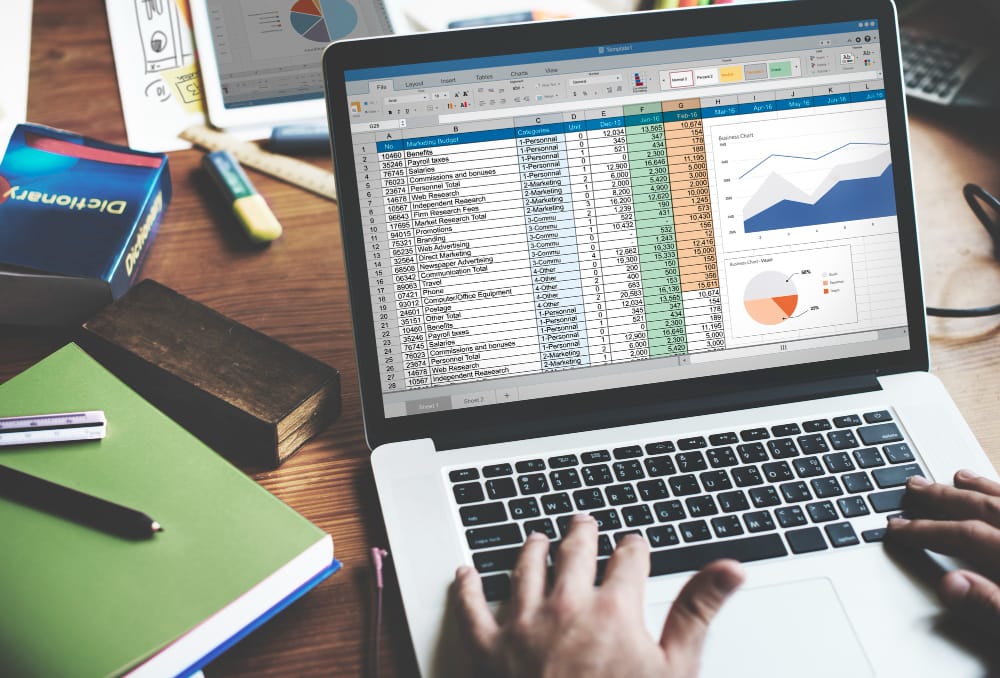
Excel functions are the foundation of every data analyst’s daily work. At the beginning of any analyst’s journey, tools seem to be the most important element. Over time, however, it becomes clear that the real value lies not in the tool itself, but in how it is used specifically in the ability to choose the right functions and apply them intelligently. Functions are not merely formulas or commands used to perform calculations; they represent the language through which a data analyst communicates with data. Through this language, complex spreadsheets can be transformed into clear indicators, scattered data can be connected into a cohesive picture, and insights can be drawn that support decision-making within an organization.
In modern work environments, where tools such as Excel and SQL complement one another, mastering functions in both tools becomes a distinguishing factor between a superficial analysis and a professional one.
In this article, we review some of the most important Excel functions that data analysts rely on daily, along with their practical uses and how they can be leveraged to get the most out of data.
Why Are Functions an Essential Tool for Data Analysts?
There are many reasons for this, including:
Performing calculations quickly and accurately: Functions allow complex calculations to be carried out in seconds, saving time and reducing reliance on manual operations that may be prone to errors.
Cleaning and processing data efficiently: Functions help handle missing or incorrect values, and convert data into a format suitable for analysis — a fundamental step before any analysis begins.
Linking data from multiple sources: Lookup and reference functions enable analysts to merge data from multiple tables, helping to build a complete picture rather than analyzing fragmented data.
Analyzing data and extracting indicators: Aggregation functions provide the ability to calculate totals, averages, and percentages, which helps build clear performance indicators that support decision-making.
Automating repetitive operations: Using functions reduces the need to perform the same operations manually, increasing work efficiency and freeing up the analyst’s time to focus on deeper analysis.
Improving result accuracy and reducing human error: Relying on functions reduces the likelihood of calculation or input errors, thereby enhancing the reliability of results.
Building more professional and complex analyses: Multiple functions can be combined to obtain advanced results, elevating the level of analysis and giving the analyst greater ability to extract precise insights.
The Most Important Excel Functions Every Data Analyst Cannot Do Without
XLOOKUP / VLOOKUP
These functions are used to search for a specific value within a table and return a related value from another column. They are among the most widely used when working with multiple tables, as they make linking data straightforward. XLOOKUP is generally preferred for its flexibility and accuracy compared to VLOOKUP.
Key uses: linking customer data with order data, retrieving information from large tables, automatically updating data when the source changes, and reducing the need for manual merging between tables.
IF
The IF function is used to evaluate a condition and return a result based on whether it is met. It is fundamental to building analytical logic within Excel.
Key uses: classifying data (Pass / Fail – High / Low), identifying cases based on conditions, building simple analytical rules, and combining with other functions to obtain advanced results.
SUM / SUMIF / SUMIFS
Used to add values either directly or based on specific conditions, these are among the most important functions in financial analysis and reporting.
Key uses: calculating total sales, summing values based on a specific condition, analyzing revenue by category or region, and extracting quick financial indicators.
COUNT / COUNTIF / COUNTIFS
Used to count values within a given range, either all values or only those meeting a specific condition.
Key uses: counting transactions or orders, counting customers by a specific category, analyzing frequency within data, and supporting basic statistical analysis.
Date and Text Functions (DATE / TEXT Functions)
Used to work with dates and text, these functions are very important for time-series data analysis and data organization.
Key uses: analyzing data by date (daily, monthly, yearly), extracting parts of a date (month, year), formatting text and data, and cleaning and improving textual data.
From Mastering Functions to Professional Analysis: How the IMP Diploma Takes You to the Next Level
Mastering Excel functions is a strong starting point, but it is not sufficient on its own to build a data analyst capable of handling real market challenges. The true value emerges when you can apply these functions within a comprehensive analytical framework that connects data with business context and transforms numbers into decisions.
This is where theData Analysis & Business Intelligence Diploma offered by the Institute of Management Professionals (IMP) comes in, designed to take you from knowing the tools to using them with professional awareness in real work environments.
How Does the Diploma Help You?
It focuses on applying functions to practical cases that simulate real company challenges, reinforcing applied understanding. It builds a comprehensive analytical mindset so you know how to choose the right function based on the analytical goal, not just memorize formulas. It also trains you to use Excel, SQL, and Power BI as an integrated system, professionally clean and process raw data using Microsoft tools, extract clear KPIs that support decision-making, and automate analytical processes to reduce manual effort and boost efficiency.
What Does This Mean for You as a Data Analyst?
The difference between someone who knows the functions and someone who applies them intelligently shows in the results. With systematic training, you become capable of handling data with confidence, analyzing it in depth, and delivering insights that have a direct impact on decision-making. The IMP Diploma represents the path that takes you from using tools to mastering analysis and making data-driven decisions reach out to the IMP team and start the journey.